
Platform / Claim Pages™
A branded place to claim a gift.
Send a branded link instead of a spreadsheet. Recipients choose their preferences and enter where they want it sent. We send it.
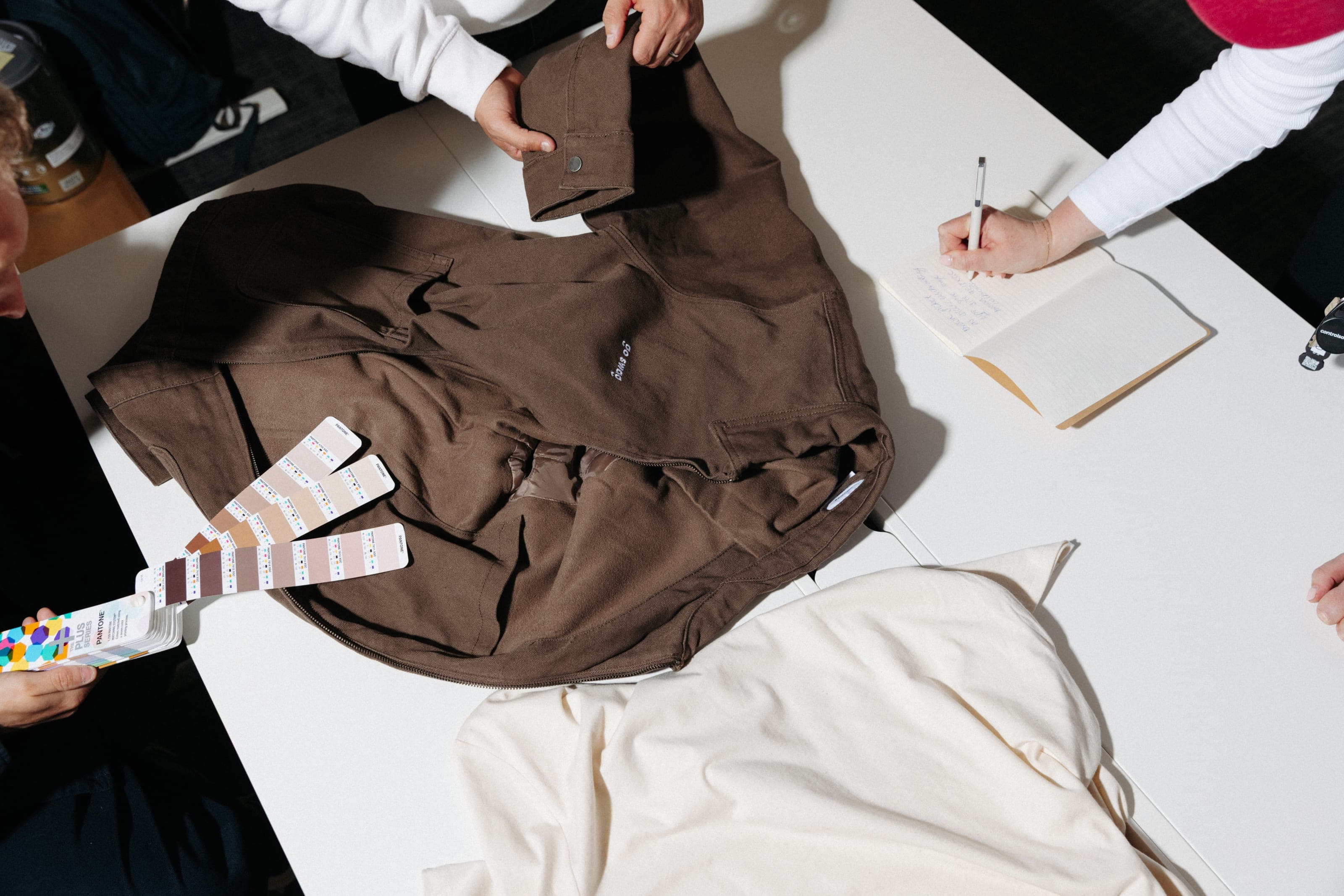
On Sarah’s phone, the claim page shows the welcome overshirt and a size choice from XS to XL, with M selected. In Plus, Acme’s Welcome pack 2026 Claim Page shows 142 of 180 claimed, with Sarah Tanaka marked Not claimed yet.
The problem
Forget the spreadsheet.
Chasing sizes and home addresses by email takes time, and it’s easy to get wrong. With Claim Pages™, recipients add their own preferences and delivery details on one branded page.
How it works
One gift, start to finish.
Each step shows what the recipient sees on their phone and what your team sees in Plus.
- 01Welcome
Your brand, your message.
We design each claim page for your brand, with your logo, colours and a note from you, so the gift clearly comes from you.
- 02Choose
Sizes and choices.
Recipients choose a clothing size, with a size guide, and any other options you’ve offered with the gift.
- 03Send
Their own address.
Recipients choose the delivery address, home or office. Once they claim it, we pack it and send it.
- 04Track
Every step, tracked.
Your team can follow every step in Plus. The recipient gets a branded tracking page and tracking emails.
- 05Delivered
At the door.
An email tells the recipient it’s arrived, and your team can see in Plus that it’s been delivered.
Step 1 of 5: Welcome, You.
Your brand, your message.
We design each claim page for your brand, with your logo, colours and a note from you, so the gift clearly comes from you.
Step 1 of 5. On Sarah’s phone, an Acme claim page reads “A gift from Acme. Welcome to the team, Sarah. Your welcome pack is ready.”, with a photo of a brown overshirt and a Claim my gift button. In Plus, Acme’s Welcome pack 2026 Claim Page shows 142 of 180 claimed, with Sarah Tanaka marked Not claimed yet.
Case studies
Claim pages we’ve built.
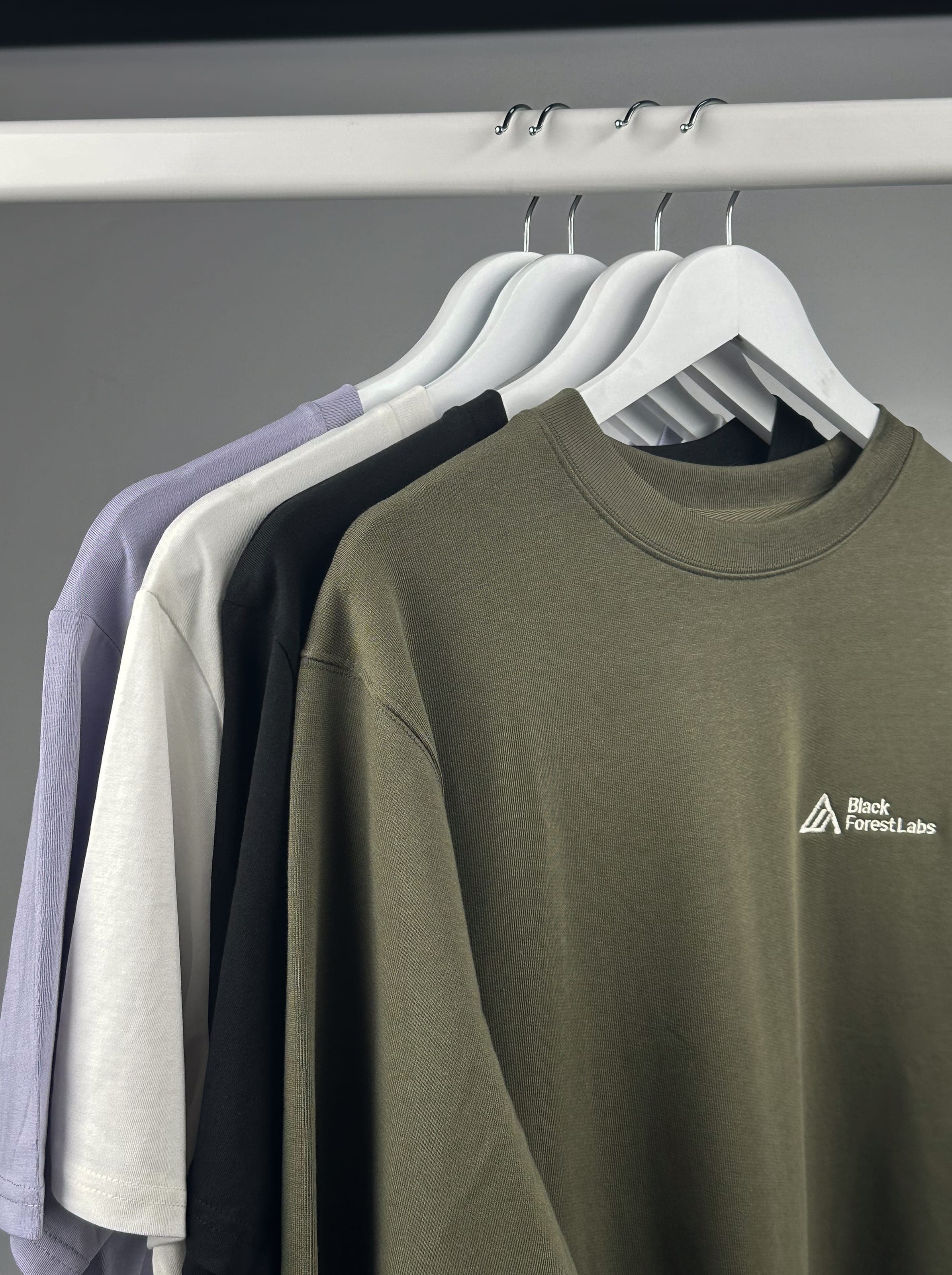
Black Forest Labs
A custom-branded claim page let team members enter their preferences and details to claim their welcome packs.
Read the Black Forest Labs story about Black Forest Labs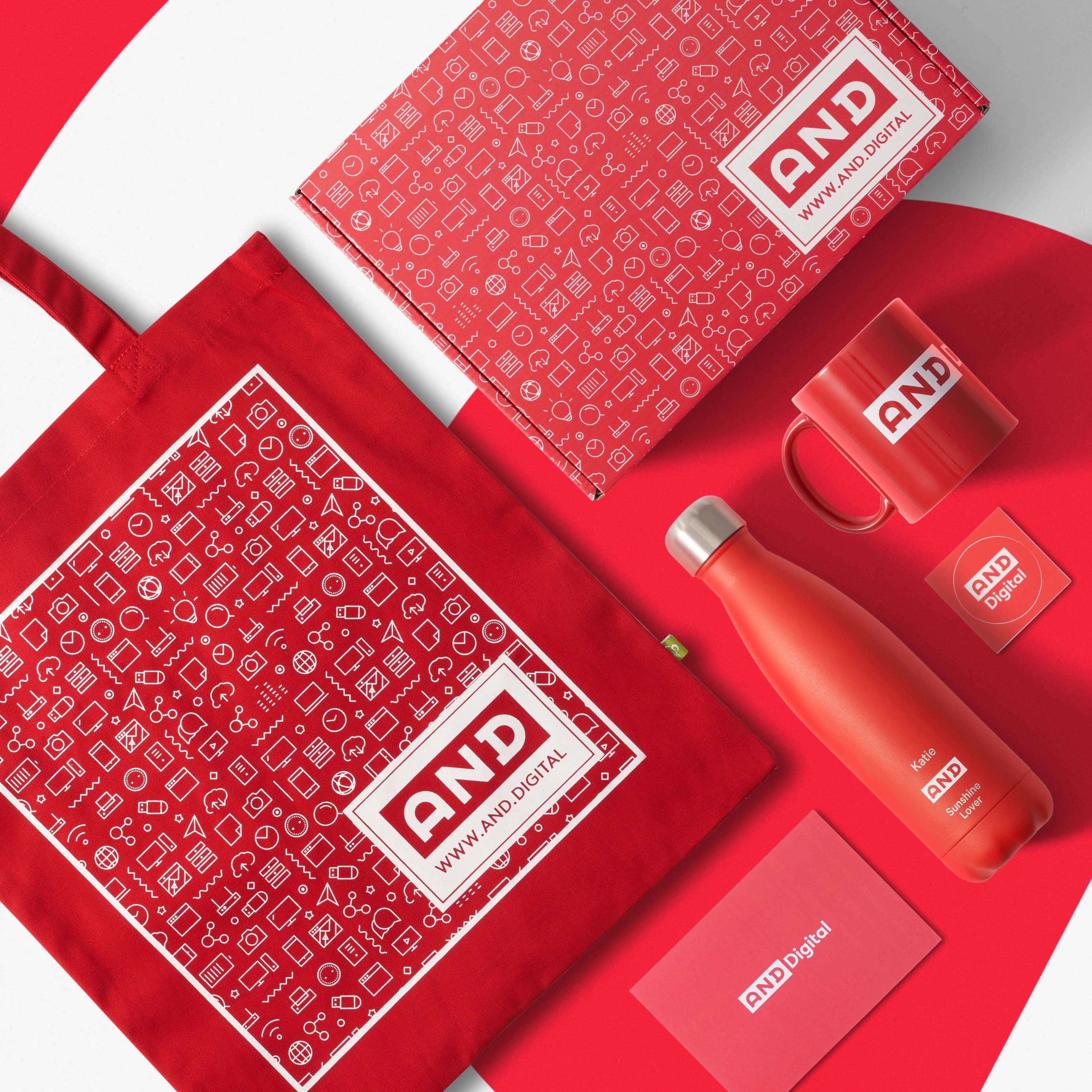
AND Digital
Team members chose an “AND title” through a claim system, and each Chilly’s bottle was branded with theirs.
Read the AND Digital story about AND Digital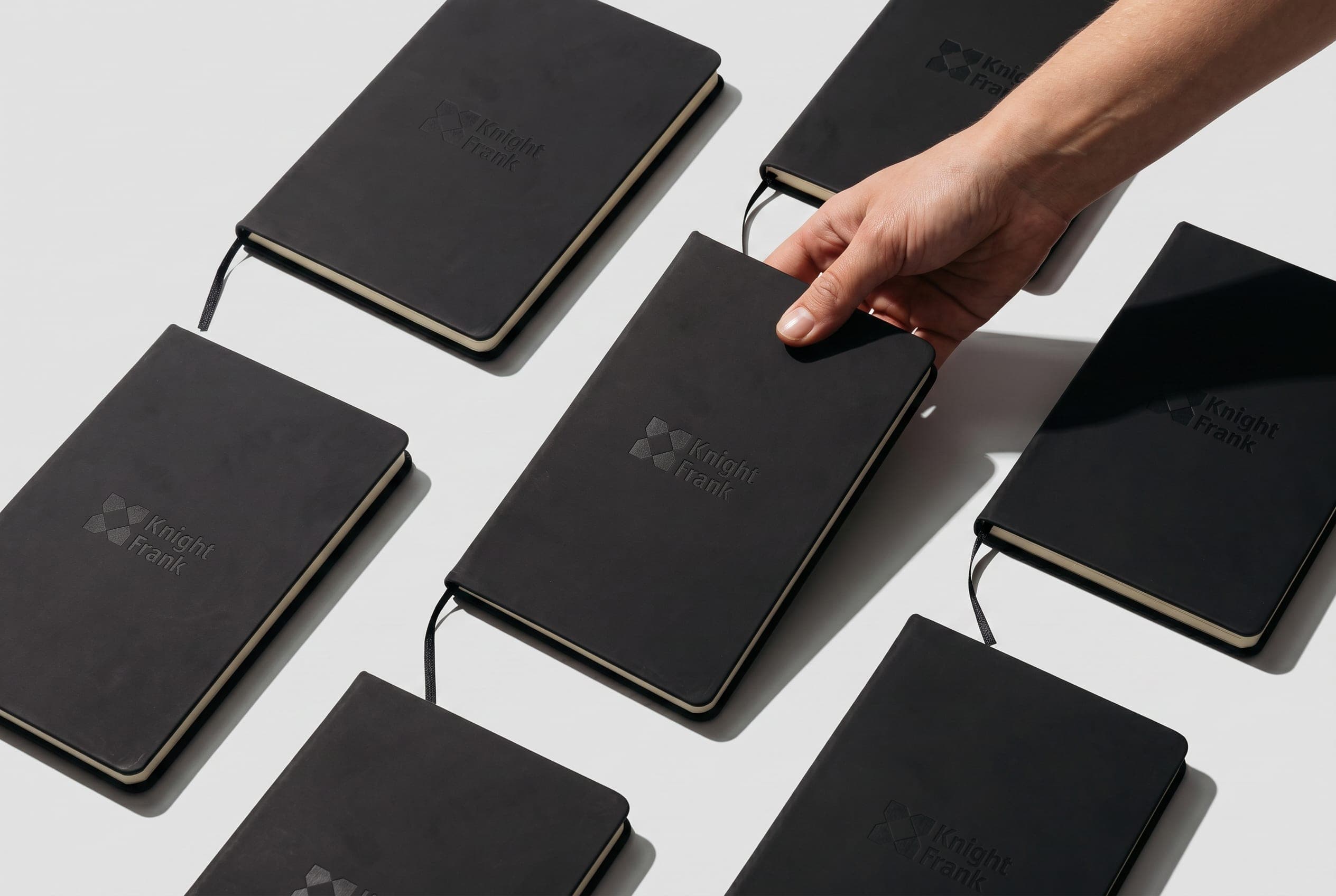
Knight Frank
New starters pick their sizes and where the pack should go on a Knight Frank themed page. Authorisation codes control who can claim.
Read the Knight Frank story about Knight Frank
Behind it
After they claim.
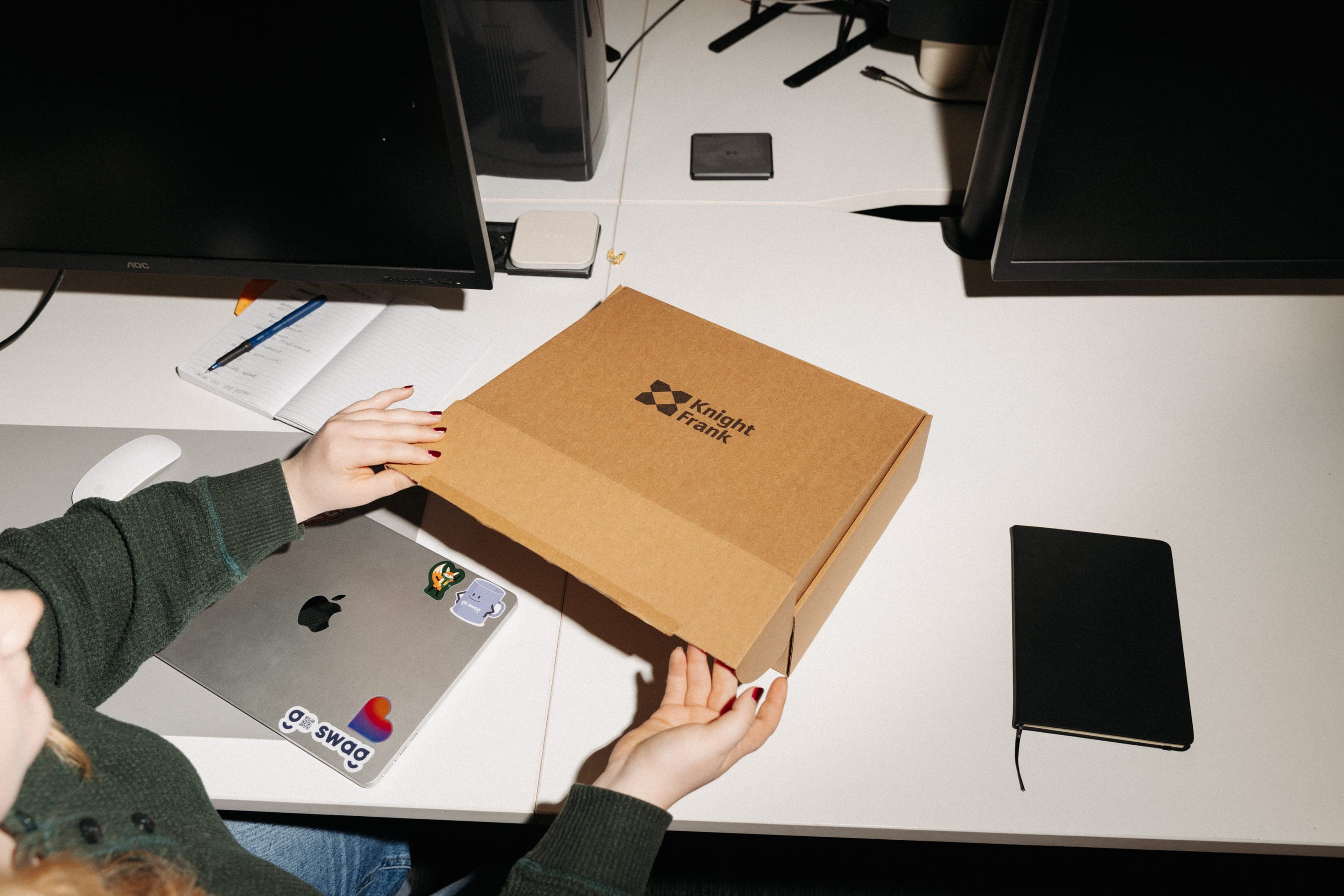
Each completed claim comes straight to us. We pack the gift and send it to the door.
Global warehousing
Your approved collection can stay with us between sends, ready for each claim.
Global warehousingGlobal shipping
We coordinate worldwide shipping, customs and delivery support to each address.
Global shippingPlus
See who has claimed their gift and track shipments, alongside your stock and requests.
Plus
Where it’s used
When you need their preferences and address.

Questions about Claim Pages™.
What do recipients need to do?
Open the link, choose any options you’ve offered, such as a clothing size, and enter where they want the gift sent. We use what they share to prepare their gift and send it.
How do recipients get the link?
Invite recipients by email, with a shareable link, by CSV upload, or from your HR system through an API connection. Choose whichever fits the way you already keep your list of recipients.
Will recipients know when their gift is on its way?
Yes. Recipients get emails as their gift moves: one to confirm their claim, one when it’s on its way and one when it’s been delivered. Your team can follow every step in Plus.
Does this work for an international team?
Yes. They enter their own address, and we deliver to 180+ countries. We send international orders DDP: we handle customs and duties, so recipients have nothing to pay on arrival.
I’ve received a gift link. What do I do?
Use the link in your invitation email or the message you were sent. It opens the claim page for your gift, where you can choose your options and add your delivery details.

Let’s plan the recipient experience.
Tell us about the gift, who’s receiving it and what you need from them.
Or call 0800 118 4047 or email hello@goswag.com.